Farming Incremental But With Guns System Requirements
Official Steam specs and tips to keep giant harvests smooth.
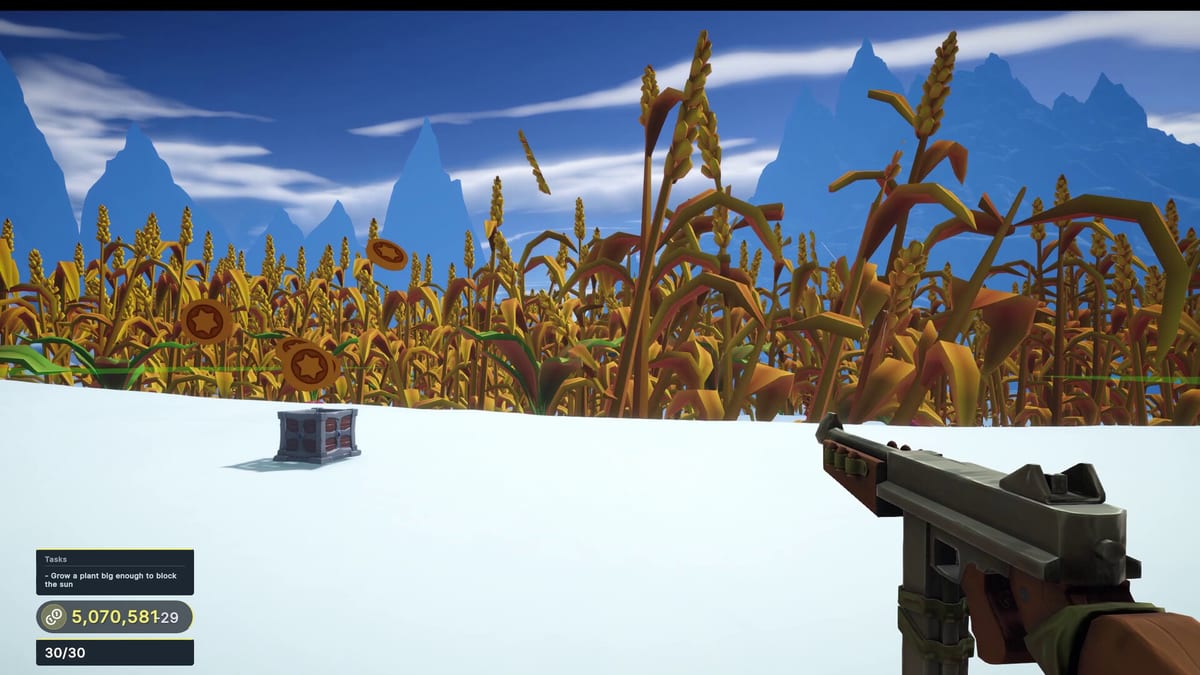
Before you plant your first bullet-fed orchard, confirm your PC can handle Farming Incremental But With Guns. Specs below come from the Steam store page for app 4651120.
Minimum requirements (Steam)
- OS: Windows 10 64-bit
- Processor: i5-10300H or higher
- Memory: 8 GB RAM
- Graphics: GTX 1650 mobile or equivalent
- DirectX: Version 11
- Storage: 2 GB available space
Recommended notes
Steam lists Windows 11 64-bit under recommended. Beyond that, the developer keeps the sheet lean—this is a lightweight adventure incremental, not a 100 GB shooter.
What actually stresses hardware
- Coin particle avalanches after giant collapses
- Dense enchanted fields (Crop Enchants)
- Snow plus particle mix in winter
- Desktop recording overlays while shooting
If you play on a 1050 Ti-class GPU (community anecdote from demo notes), expect to lower effects and cap FPS.
Practical settings checklist
- Cap FPS to your monitor refresh.
- Lower particles/shadows if freezes hit during avalanches.
- Close Chromium monsters in the background.
- Keep the game on SSD if possible for cleaner streaming of biomes.
- Verify game files on Steam after crashes.
Controller and laptop tips
Full controller support means TV dock play is viable—see Controls. On laptops, plug in power; coin storms spike GPU boost behavior. Undervolt only if you already know your hardware.
Cloud saves
Steam Cloud is listed. Still make an occasional local backup before big Act pushes if you are achievement hunting (Achievements.
Buying decision link
Hardware OK? Read the Review. Hardware borderline? Try the demo via Official Links first. Once installed, follow How to Play rather than maxing settings on day one.
Troubleshooting quick hits
| Issue | Try |
|---|---|
| Stutters on crop death | Lower effects; update GPU drivers |
| Interact key missed | Alt-tab overlays; revisit Controls |
| Long load into desert | Verify storage health; verify Steam files |
| Overheating | Cap FPS; elevate laptop |
Stay within minimums and the fantasy stays smooth enough for the boom-farm loop to shine.
Pre-flight checklist before Act pushes
Update GPU drivers, free a few gigabytes beyond the two-gigabyte minimum, and disable heavy RGB software that hooks frames. If you stream, test one coin avalanche at your target resolution before scheduling a long Act 2 session. Controllers should be tested in the Steam Input menu so interact and shoot are not fighting each other.
Laptops should use a cool surface; giant collapses are shader-light compared with AAA titles but particle spikes still raise thermals. If you dual-boot, keep Windows power mode on balanced or high performance while playing. After crashes, verify Steam files before assuming the wiki wrong about unlocks. Hardware comfort is part of progression—stutters make players mis-spend at stations.
Accessibility and display notes
If UI scale options exist in your build, increase them before long achievement grinds. High contrast helps winter hunting. Colorblind players should rely on silhouette and motion more than hue—another reason to learn crop shapes on the crops reference page. Fullscreen exclusive mode can reduce stutter on older laptops; borderless is nicer for checklist alt-tabbing.
Keep a backup control profile in Steam Input so a borrowed controller does not ruin an Act evening. Hardware readiness is part of respect for your own time.
Pre-flight checklist
- Update GPU drivers before the first launch.
- Install on an SSD if you own one—biome streaming feels better.
- Close heavy overlays if frame times hitch during coin storms.
- Verify Steam Cloud after your first hour so upgrades are safe.
- Re-test settings when you reach winter and desert brightness extremes.
If the demo runs well, the full game usually will. If the demo struggles, drop resolution or effects before blaming the build. Pair hardware readiness with mechanical readiness from How to Play.
Frequently Asked Questions
Quick answers to the most common questions.
What GPU do I need?
Steam lists a GTX 1650 mobile or equivalent as the minimum graphics target.
How much RAM is required?
8 GB RAM according to the Steam minimum sheet.
Does it run on Steam Deck?
Compatibility may show as unknown or evolving—check the live Steam page for Deck reports.
How big is the install?
Steam lists about 2 GB of storage for the full game minimum sheet.