Farming Incremental But With Guns Achievement Tracker Tool
Watch Acts, coins, and crop tallies without a spreadsheet.
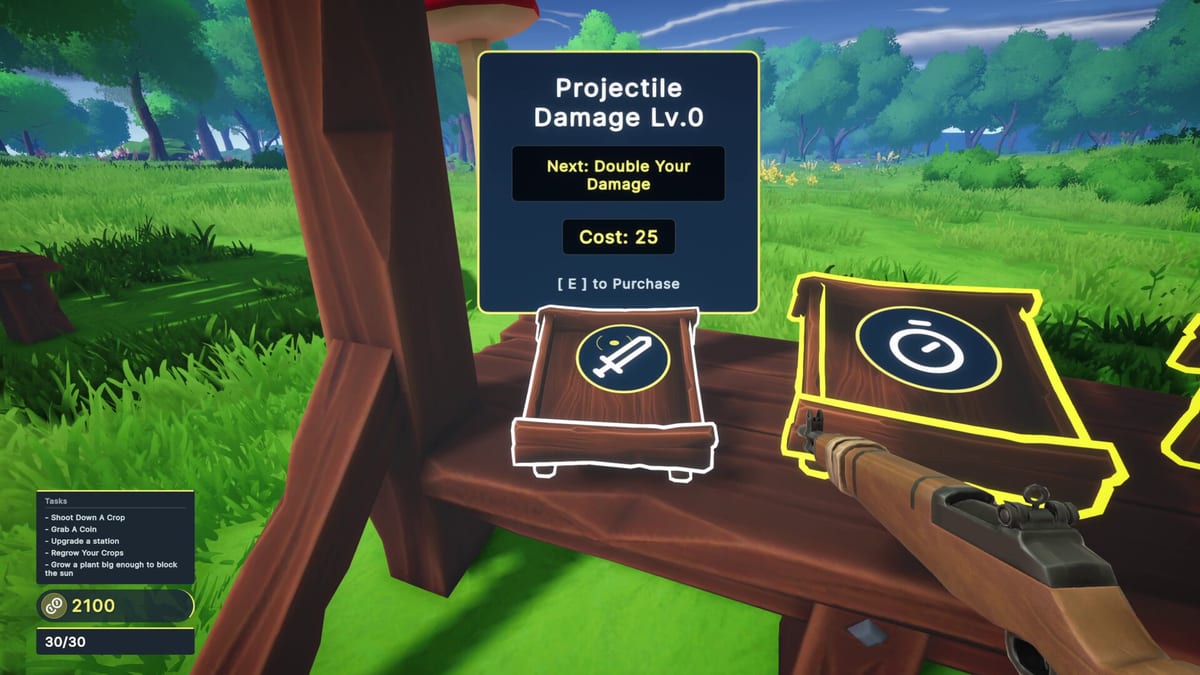
This achievement tracker mirrors the seven Steam achievements for Farming Incremental But With Guns. Use it beside the deeper strategy on the Achievements guide.
Story Acts
- Act 1 (hidden)
- Act 2 (hidden)
- Act 3 (hidden)
Play forward through biomes with the Biome Walkthrough. Do not soft-reset endlessly—progress stations and enchants instead.
Economy
- Collect 10,000,000 coins
Tips: payout upgrades, enchanted giants (How to Grow Giant Crops), sweep floor coins, follow Late Game Build spikes.
Destruction tallies
- Destroy 1,000 low value crops
- Destroy 500 medium value crops
- Destroy 100 high value crops
Identify tiers using Crops and Items. Size from Crop Enchants does not automatically change tier.
Weekly plan template
Week focus A — Volume: plant dense low/medium fields; mark tallies.
Week focus B — Story: push Acts with readiness checks.
Week focus C — Payout: enchant + coin multipliers.
Sync with upgrades
When a tally stalls, ask whether the Upgrade Checklist is missing damage or growth. Reopen Upgrade Priority before grinding mindlessly.
Comfort settings
Long grinds favor controllers (Controls) and FPS caps (System Requirements). Take breaks—the game is cozy chaos, not a second job.
After completion
- Screenshot eclipse farm
- Skim Review to recommend (or not) to friends
- Check Launch Notes for new trophies later
- Keep Official Links handy for patch notes on Steam
Tick honestly. The tracker only works if you do.
Honest ticking rules
Only tick an Act when Steam grants it. Only tick crop goals when you are confident about tier identity. If unsure, spend one meadow session testing silhouettes with the crops reference open. For the coin goal, believe Steam’s total more than your mental math—pickups are easy to miss inside particle fog.
Add a date beside each tick in your notes so you remember which patch era you finished under. That history helps if achievements reset weirdly after verifies. Celebrate unfinished boxes; they give return visits a purpose beyond endless eclipses.
Recovery plan if you lose count
If you forget whether medium crops are done, run a focused medium-only hour and watch Steam. If Act progress is unclear, push story beats instead of grinding tallies. If coins look wrong after a crash, verify files and cloud sync before assuming a bug. Trackers reduce anxiety only when paired with Steam as the source of truth.
Example evening schedule
19:00 — Warm up with low-value volume while chatting; tick what Steam confirms.
19:25 — Push one Act beat if readiness checks are green; otherwise shop damage.
19:45 — Enchanted payout clear aimed at the coin counter.
20:00 — Update this tracker, close the game on a win, not a tilt clear.
Schedules prevent the “one more field” spiral that turns cozy chaos into fatigue. If you miss a night, do not double grind—resume the same template. Consistency beats heroic weekend sessions for tallies like one thousand low-value crops.
Final pep talk
Leave boxes unticked until Steam agrees. Celebrate partial progress. Use Guides when stuck and Tier Lists when broke. The tracker is a calm friend, not a guilt machine. When every box is done, take a screenshot of your eclipse farm and send a friend to Official Links so they can start their own meadow snowball.
Weekly review ritual
Once a week, open Steam achievements, tick this tracker, and note which destruction tiers still lag. Schedule a volume night for low-value crops and an elite night for high-value targets. Pair coin nights with giant crop routes from How to Grow Giant Crops. Never grind Acts underpowered—fix the Late Game Build first.
Frequently Asked Questions
Quick answers to the most common questions.
How many achievements should I track?
Seven on launch per Steam’s achievement list.
Are Act achievements spoilers?
Names only—details stay in-game. Use the [Achievements](/guides/achievements/) guide for strategy.
What if crop counts are wrong?
Confirm value tiers in [Crops and Items](/players/crops-and-items/) and keep playing the matching fields.
Does Steam sync ticks here?
No. This page is a manual checklist companion.